Understand complexity by mapping it.
Complexity is a tool for mapping processes. You describe the steps: who does what, what each step needs, and where it goes next. The map draws itself. Then work on it with others, and share it with anyone to gather feedback.
Free for as long as you like. No card needed.
No tidying by hand
No more hours spent lining up shapes and colouring them by type. Complexity draws the map and keeps it tidy, however many steps and branches there are, while you can still style it your way.
See what is missing (yet!)
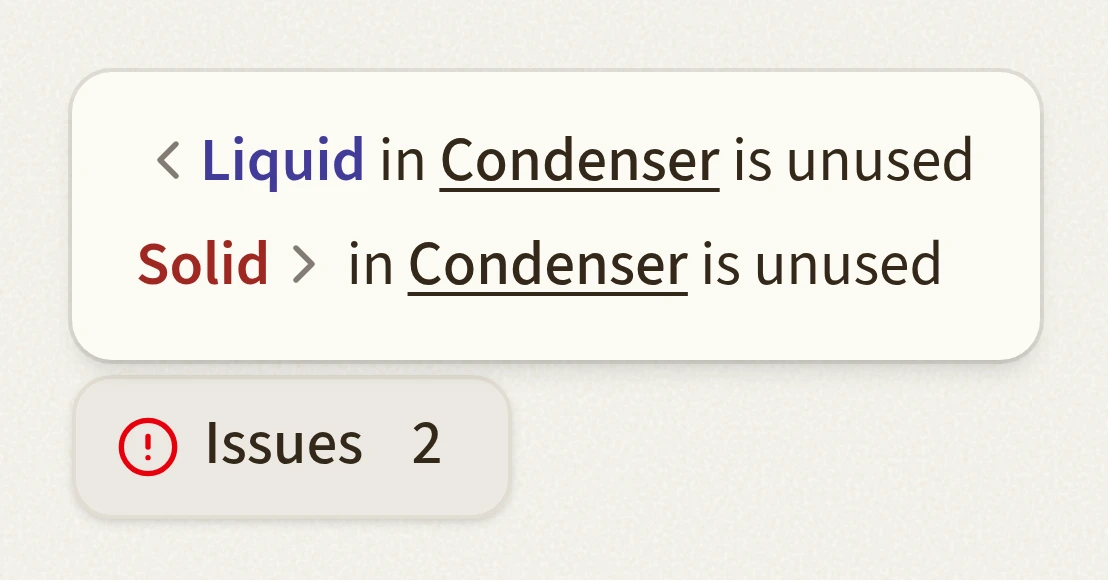
An output that goes nowhere, or an input that comes from nowhere, is listed as an issue. Not ready to map a branch yet? Add the input anyway and connect it later.
Feedback made easy
Share a map with as many reviewers as you like. They comment right on the steps. Set a PIN to keep the map from prying eyes. Then go through the comments and update the map.
Want to workshop the poster-sized map? Export it as SVG or PNG.

Orchestrate with swimlanes
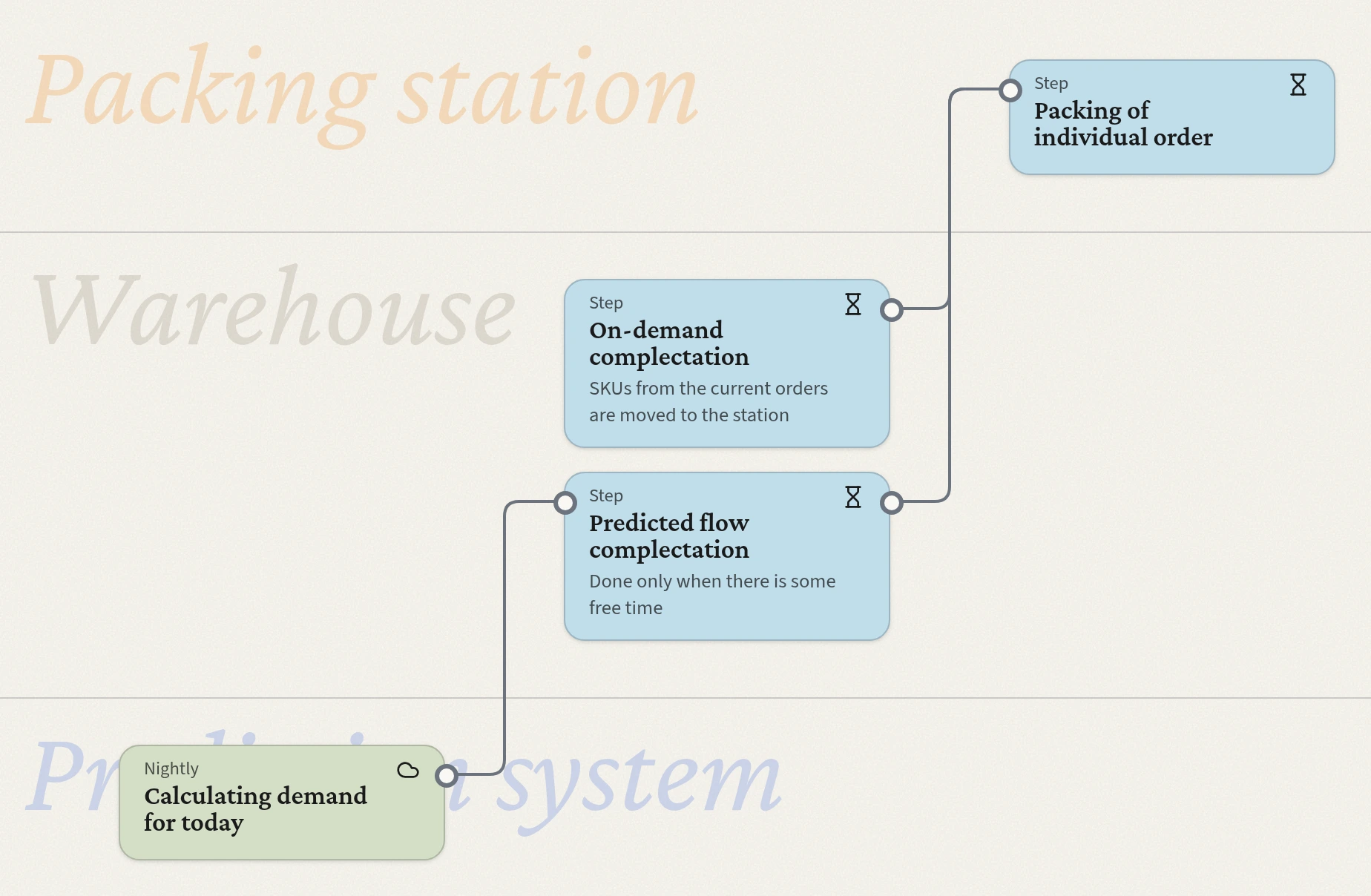
When many actors take part, it gets hard to see who does what, and when the work passes on. Give each a lane: one for Sales, one for Development. The interaction points stand out.
Find your way on a big map
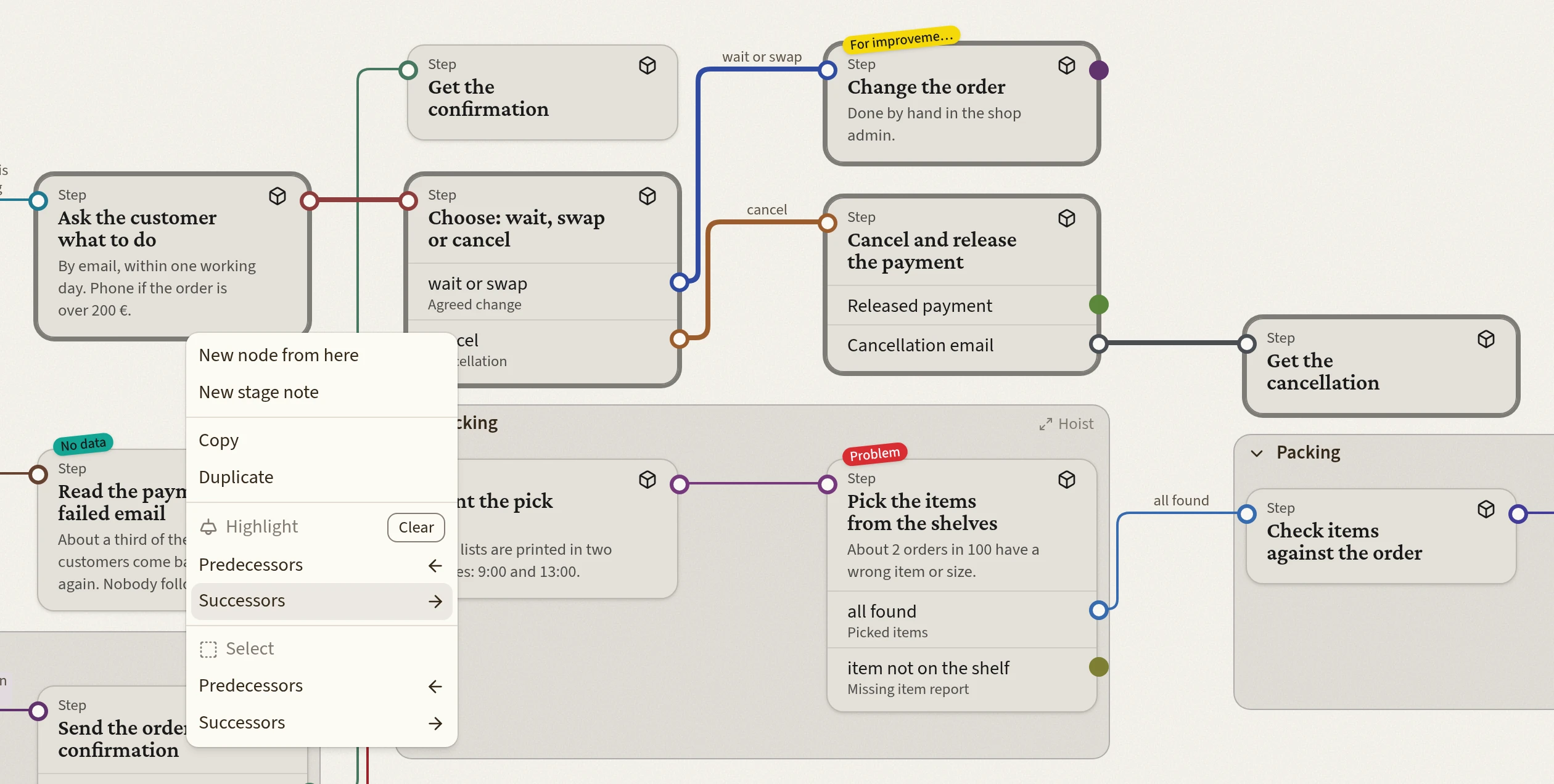
Pick a step and follow every path from it or to it with the arrow keys, checking each step on the way. Or select everything that comes before it or after it, to see all the ways at once.
Light up everything that leads to a step or follows from it. Use Bird's eye to see the whole map at once and jump to any part of it.
Work on a map together
Invite people to look or to edit. Several people can change a map at the same time: you see who is there and what each is editing, and nobody overwrites anybody.
Ask an AI about your process
Give a map's link to an AI assistant. It reads the whole map, steps, branches and all, and answers your questions about the process. Coming soon: your AI makes maps for you from your own data.
Groups that fold
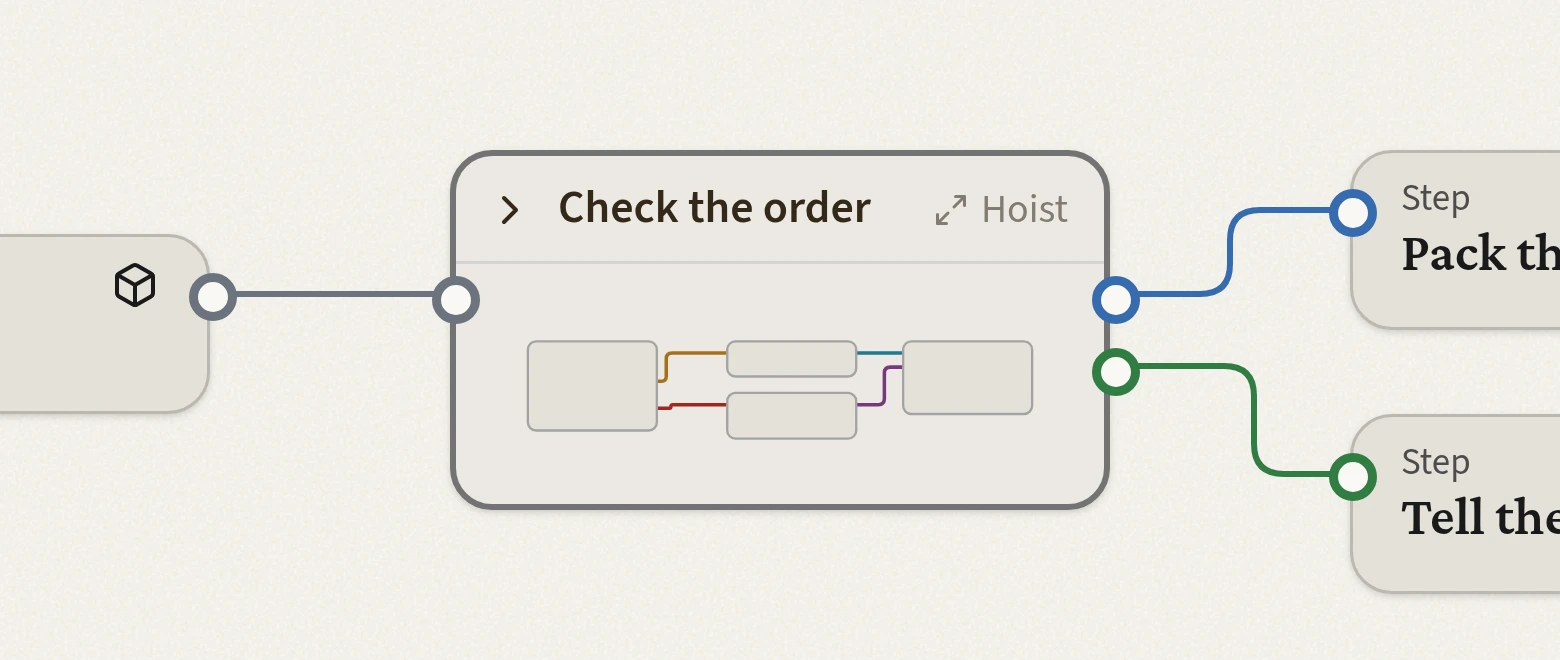
Want to keep some steps together? Group them. Want them out of sight for a while? Close the group. Want to see only what is inside? Hoist the group, and everything else is hidden.
Tag what matters
Want to ask more about a step, but later? Tag it "For later". See a trouble spot? Tag it "Problem". Tags make it easy to come back to a map and pick up where you left off.
A map anyone can read
Few people can read a BPMN diagram, yet we ask stakeholders to review them. It is like a musician handing out sheet music instead of playing! A Complexity map needs no training.
Map with Complexity
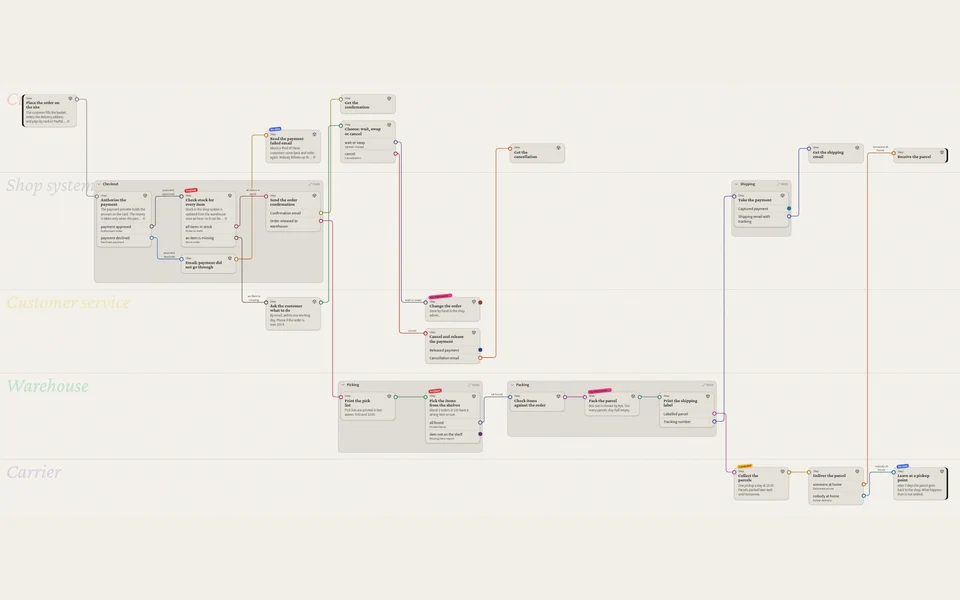
Processes and flowcharts
How the work really gets done: who does what, in what order, and what passes between them.
Demo map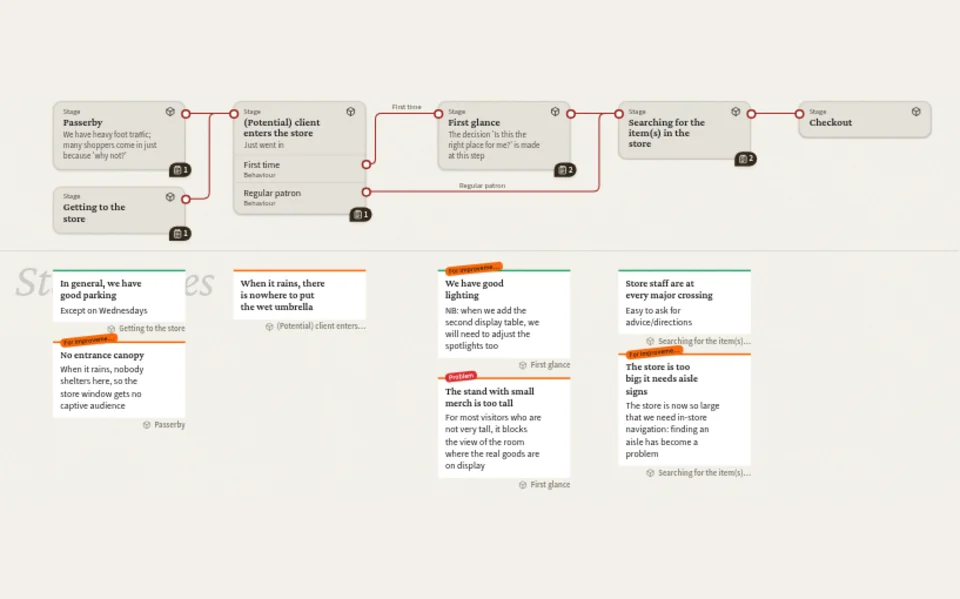
Customer journeys
Every step a customer takes, from first hearing of you to coming back, and what they need at each one.
Demo map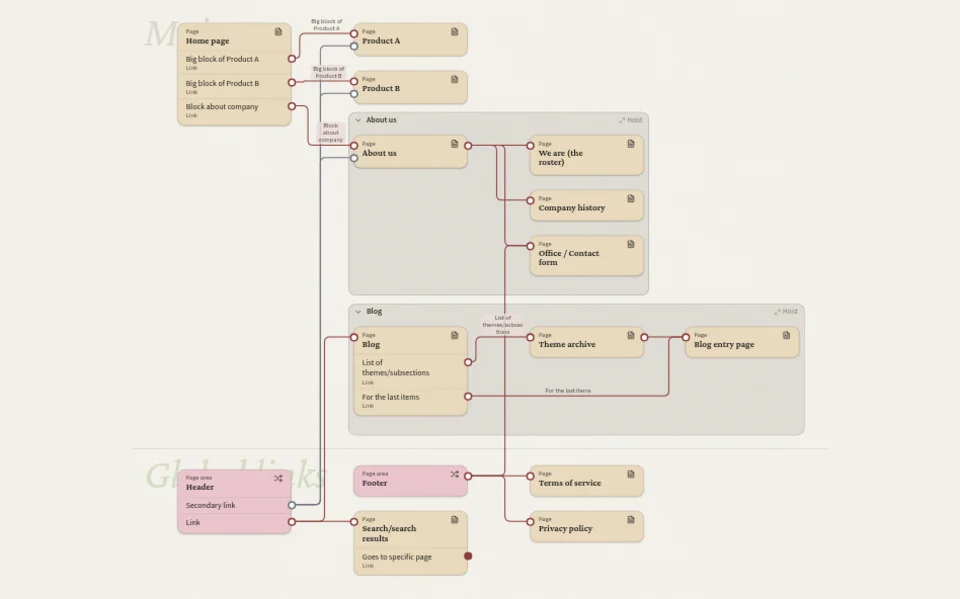
Information architecture
The pages and sections of a site or an app, and how people get from one to another.
Demo map
Map your first process today
Even the most complex system gets clearer once you map it.